


Steps To Access Joomla 3 Administrator Login
In this blog you will learn how to access the administration login form for your Joomla 3 and what to do if you do not remember your login details.
How to Access Joomla Login Screen
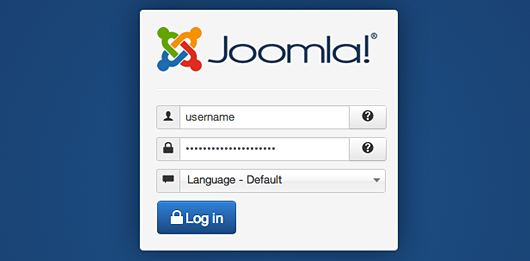
To login to Joomla 3 and access your administrative panel, you need to open your browser and navigate to http://yourdomainname.com/administrator. On this page, you will find a login screen, where you need to enter the username and password you’ve chosen during the Joomla 3 installation process.
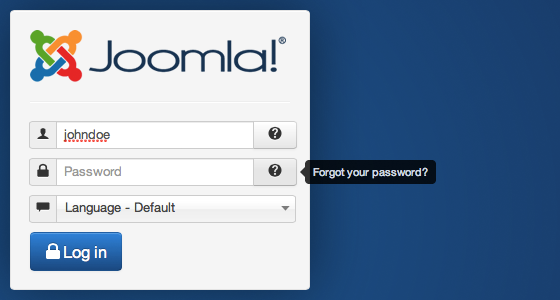
If you have forgotten the password for a regular (non Super-Administrator) username, the latest Joomla version provides you with an easy method for getting your login details. Simply navigate to your login screen and press the question mark button next to the password field. You will be redirected to a page where you’ll have to enter the email address associated with your Joomla 3 user. You will then receive an email with a link to the password reset page and appropriate validation key.
However, if you want to reset the password of your Administrator (the main admin username you’ve chosen during the installation process) you will have to do that manually.